How to choose a UI kit you will not regret in six months
A good UI kit can save weeks. A bad one quietly dictates every decision you make. Seven questions to ask before you hit download.
UI kits are everywhere: free community files, premium dashboard bundles, kits that mirror popular component libraries, and niche packs for everything from banking apps to smartwatch faces. They promise a running start, and the good ones deliver. But a kit is not just a pile of screens. It is a set of decisions about spacing, type, colour and structure, and once you build on top of it, those decisions become yours.
1. Is it built with real components?
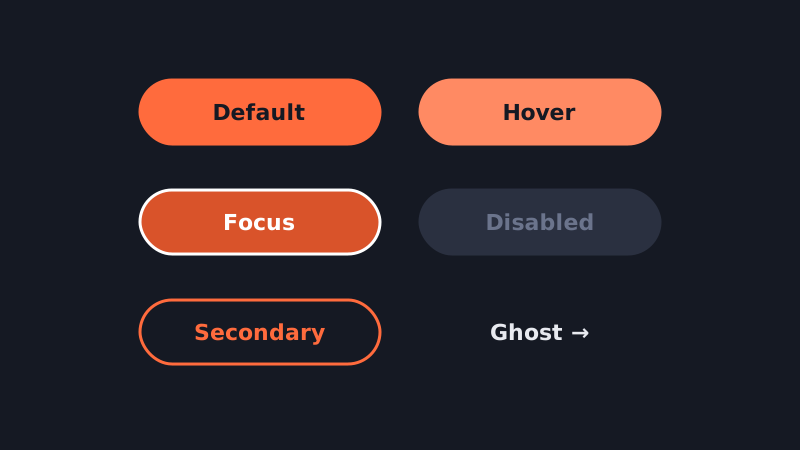
Open the file and inspect a button. Is it a component with variants for size, state and style, or a grouped rectangle and text layer? Kits built from properly structured components, using auto layout and component properties, will adapt to your content. Kits made of static screenshots will need to be rebuilt the moment you change a label.
2. Does it use variables and styles?
Look for colour, typography and spacing defined as styles or variables rather than hard-coded values. If you can retheme the whole kit by editing a dozen variables, it is a foundation. If you need to recolour every layer by hand, it is a picture.
3. How complete are the states?
Marketing shots always show the happy path. Your product will need empty states, loading skeletons, error messages, disabled inputs, long names and tables with three hundred rows. Check how many of those the kit actually covers.
4. Is it accessible out of the box?
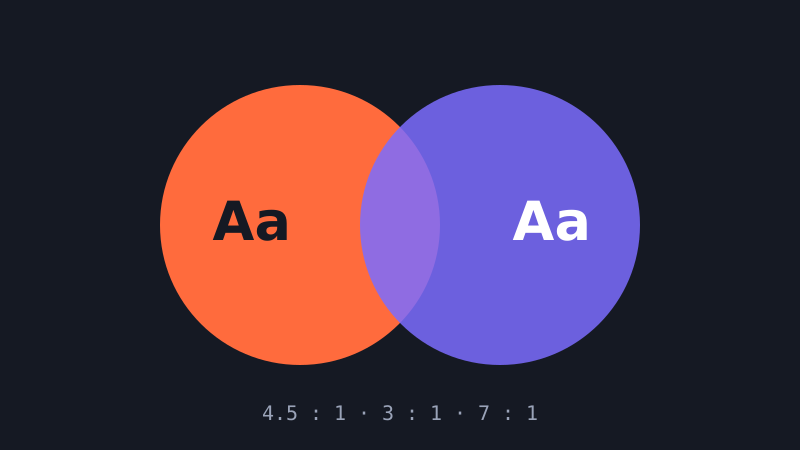
Run a contrast check on the body text and on light-grey placeholder text in particular. Look for visible focus states on interactive components. A kit that fails basic contrast requirements will push you into retrofitting accessibility later, which is always more expensive.
5. Does it match a code library?
If your engineers use a specific component library, a kit that mirrors it can dramatically reduce handoff friction: the names, props and behaviours line up. If they build custom components, prioritise a kit that is clean and easy to adapt over one that matches a library you will never use.
6. What does the licence allow?
Read it. Some licences cover a single project, some unlimited client work, some forbid redistribution of derived templates. If you work at an agency or plan to resell templates, this matters a great deal.
7. Will it still be maintained?
Check the changelog and the last update date. Design tools evolve quickly, and a kit that has not been touched since before variables and modern component properties existed will feel dated fast.
Use it as scaffolding, not a cage
The best way to use a UI kit is to adopt its structure and replace its personality. Keep the component architecture, swap in your typography, colours and iconography, and delete everything you do not need. A lean, customised subset of a good kit is worth more than the whole thing untouched.